
Every business owner reaches a point where the website feels dated or stops producing leads. You look at the analytics, see enquiries dropping and wonder whether you need a redesign or refresh: a complete rebuild or a fresh coat of paint. Choose wrong and you either waste money rebuilding something that worked or spend money polishing a site that was never going to perform.
The right answer depends on what’s underneath the design. A refresh updates what visitors see while keeping the foundations. A redesign replaces the foundations too. Here’s how I help clients decide, based on the site’s technical health and where the business is heading.
Start With a Technical Audit
Before any design discussion, I look at how the current site performs. I run key pages through PageSpeed Insights and GTmetrix, check the theme and plugin setup, review the hosting and look at how forms and integrations work. This shows whether the problems are on the surface or built into the structure.
If the site passes Core Web Vitals, the code is reasonably clean and the hosting is sound, a refresh is usually enough. If the site is built on a bloated theme that can’t pass Core Web Vitals, runs on struggling hosting or depends on abandoned plugins, patching it will cost more over time than starting again.
When a Refresh Is the Right Choice
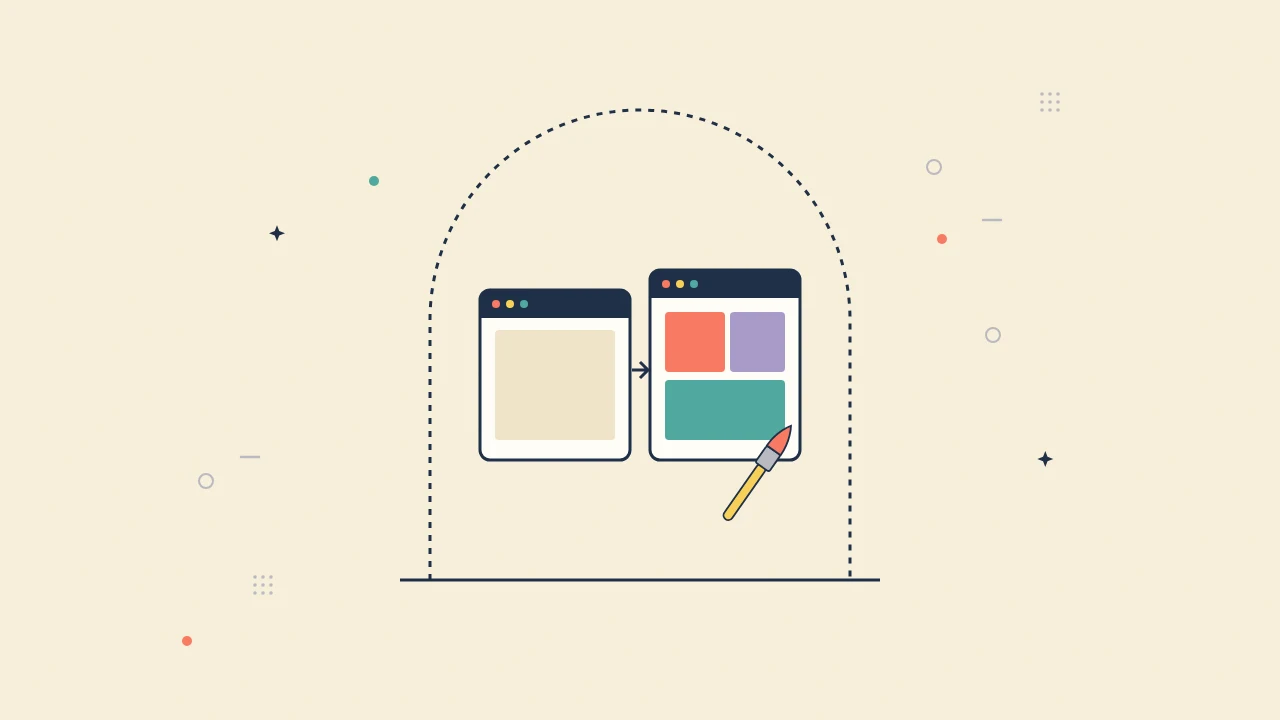
A refresh makes sense when your brand or message has changed but the technical foundation is solid. You might need new photography, updated copy, a clearer navigation structure or pages for new services. If the theme is lean and your pages already load quickly, there’s no reason to rebuild from scratch.
A refresh also protects what you’ve already earned in search. Keeping the same URLs, internal links and page structure preserves your rankings while visitors get a modern experience. During a refresh I usually remove unused plugins, clean up scripts and compress images, so the site ends up faster as well as better looking.
When You Need a Full Redesign
A redesign becomes necessary when the existing site is holding the business back. Common signs include a page builder that produces heavy, slow pages no amount of caching can fix, plugin conflicts that break the site during updates and a structure that can’t support what you now need, such as HubSpot integration, online booking or a larger product catalogue.
A rebuild lets me set up the structure properly from the start: clean templates, a sensible content model, correct schema markup and integrations that pass data reliably. It’s a bigger investment, but it replaces ongoing firefighting with a platform that’s stable for years.
Performance Numbers That Settle the Question
Numbers make this decision easier. If Largest Contentful Paint is consistently above 2.5 seconds on mobile, Interaction to Next Paint fails the 200-millisecond threshold or server response time is slow, look at where the problem comes from. If it’s caused by the theme’s core code or the hosting, a refresh won’t fix it.
Also look at the WordPress dashboard. If the admin area is sluggish, the database has grown with years of leftover data or key functions rely on plugins that are no longer maintained, the site has a structural problem rather than a cosmetic one.
The Limits of DIY Builders and Budget Hosting
Many businesses start on a DIY site builder and hit a wall once they need CRM integration, custom functionality or better performance. You can’t meaningfully refresh a platform you’ve outgrown; you have to migrate. The same applies to budget shared hosting. If the server itself is the bottleneck, no amount of design work will improve your conversion rate.
Moving to managed cloud hosting on its own often solves a large part of the performance problem. In some cases, a hosting move plus a refresh gives a business everything a full redesign would, at a fraction of the cost.
Redesign or Refresh: Making the Final Call
If your site generates leads well and the only issue is a dated look, choose a refresh and put the savings into marketing, CRM setup or automation. If the site is slow, unstable or can’t support how your business now works, a redesign is the better long-term investment and usually pays for itself through better performance and fewer emergencies. I’ll always tell you honestly which one you need. If your current site can do the job with a refresh, I’ll recommend that, and if it can’t, I’ll show you the numbers that explain why.
Frequently Asked Questions
How do I know if I need a website redesign or refresh?
If your site passes Core Web Vitals, runs on sound hosting and only looks dated, a refresh is usually enough. If it is slow, unstable or cannot support new tools like a CRM, a full redesign is the better investment.
Will a redesign hurt my SEO?
It doesn’t have to. Keeping important URLs, setting up 301 redirects for any that change and carrying over titles, content and structured data protects your rankings through a redesign.
How long does a website refresh take?
A refresh of a small business site typically takes one to two weeks, depending on how many pages change and how quickly content and feedback are ready. A full redesign of a five-page site usually takes two to three weeks.
Need a site built this way? Find out more about my website design and development.
Related reading: The Real Cost of a Friend-Built Website When Your Business Starts Growing and Slow WordPress Site? 7 Fixes That Work.
For more background, see web.dev on Core Web Vitals.

